
Free Chrome Extension

Record Your Screen.
Save to Drive.

One-click screen recording that saves directly to your Google Drive. No accounts. No subscriptions. No storage fees. Just press record.

100%
Free Forever
78KB
Lightweight
0
Data Collected
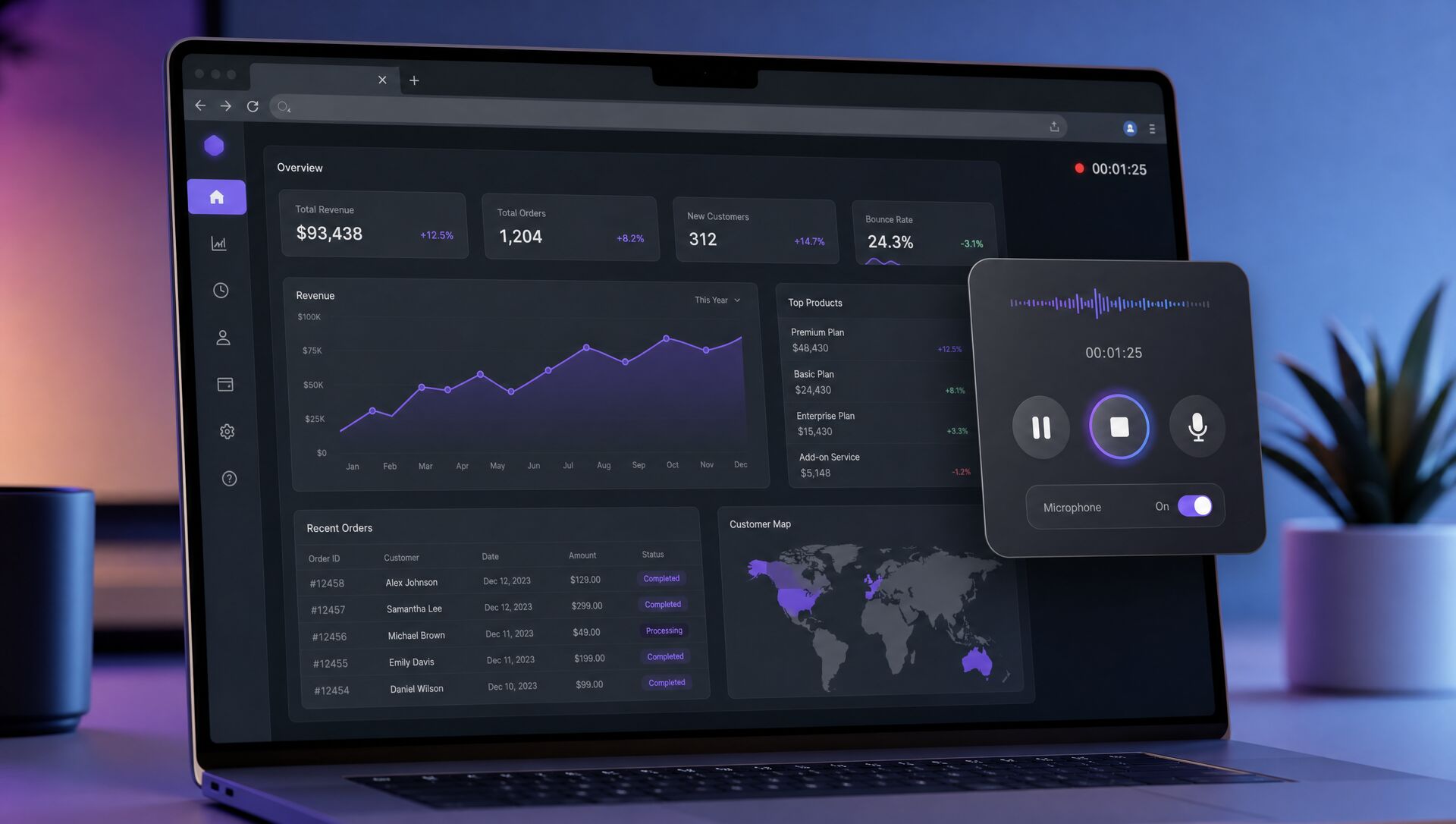
ScreenTime in action

Everything you need. Nothing you don't.

Built for speed and simplicity. Record, save, share — all in under 5 seconds.

🎬

One-Click Recording

Record your full screen or just the current tab. Microphone and system audio capture included. Hit record and go.

☁️

Google Drive Auto-Upload

Videos upload to a "ScreenTime" folder in your Drive automatically. Shareable links generated instantly.

⌨️

Keyboard Shortcut

Alt+Shift+R to start and stop recording from any tab. No popup needed — just press and go.

🎯

Quality Presets

Choose from 1080p, 720p, 540p, 480p, or 360p. MP4 output with H.264+AAC for instant playback.

📋

Recording History

Browse all past recordings, copy links with one click, and open any recording in Drive instantly.

🔒

Privacy First

No data leaves your browser except to YOUR Google Drive. No analytics. No tracking. No external servers.

Three steps. Zero friction.

From install to your first shared recording in under 60 seconds.

1

Install the Extension

Add ScreenTime to Chrome from the Web Store. Sign in with your Google account. That's it.

2

Hit Record

Click the icon or press Alt+Shift+R. Choose full screen or current tab. A 3-2-1 countdown starts your recording.

3

Auto-Share

When you stop, your video uploads to Google Drive and a shareable link is copied to your clipboard. Done.

Google Drive integration

Powered by Google Drive

Unlike Loom or other tools that charge for cloud storage, ScreenTime uses the Google Drive space you already have. Your recordings live in your account, under your control, forever.

  • Auto-uploads to a dedicated "ScreenTime" folder
  • Resumable uploads for large files
  • One-click shareable links
  • No storage limits beyond your Drive quota
  • Files are yours — export or delete anytime

Why ScreenTime?

See how we stack up against the alternatives.

ScreenTime Loom CloudApp
Price Free forever $15/mo $10/mo
Storage Your Google Drive Their servers Their servers
Recording Limits Unlimited 5 min (free) 90 sec (free)
Privacy 100% your data Their cloud Their cloud
Account Required Just Google Yes Yes
Extension Size 78 KB ~5 MB ~3 MB

Perfect for teams and individuals

🎓

Tutorials & Walkthroughs

Create step-by-step guides for your team, students, or audience. Share with a link.

🐛

Bug Reports

Show don't tell. Record the bug, share the link, and let your dev team see exactly what happened.

💼

Client Presentations

Record your pitch, demo, or proposal walkthrough. Send a Drive link instead of scheduling another meeting.

Ready to record?

Join thousands of users who ditched expensive screen recorders. Install in 10 seconds. Record in 1 click. Free forever.

Add to Chrome — It's Free